



Fusion 360 Configurations: Everything to know
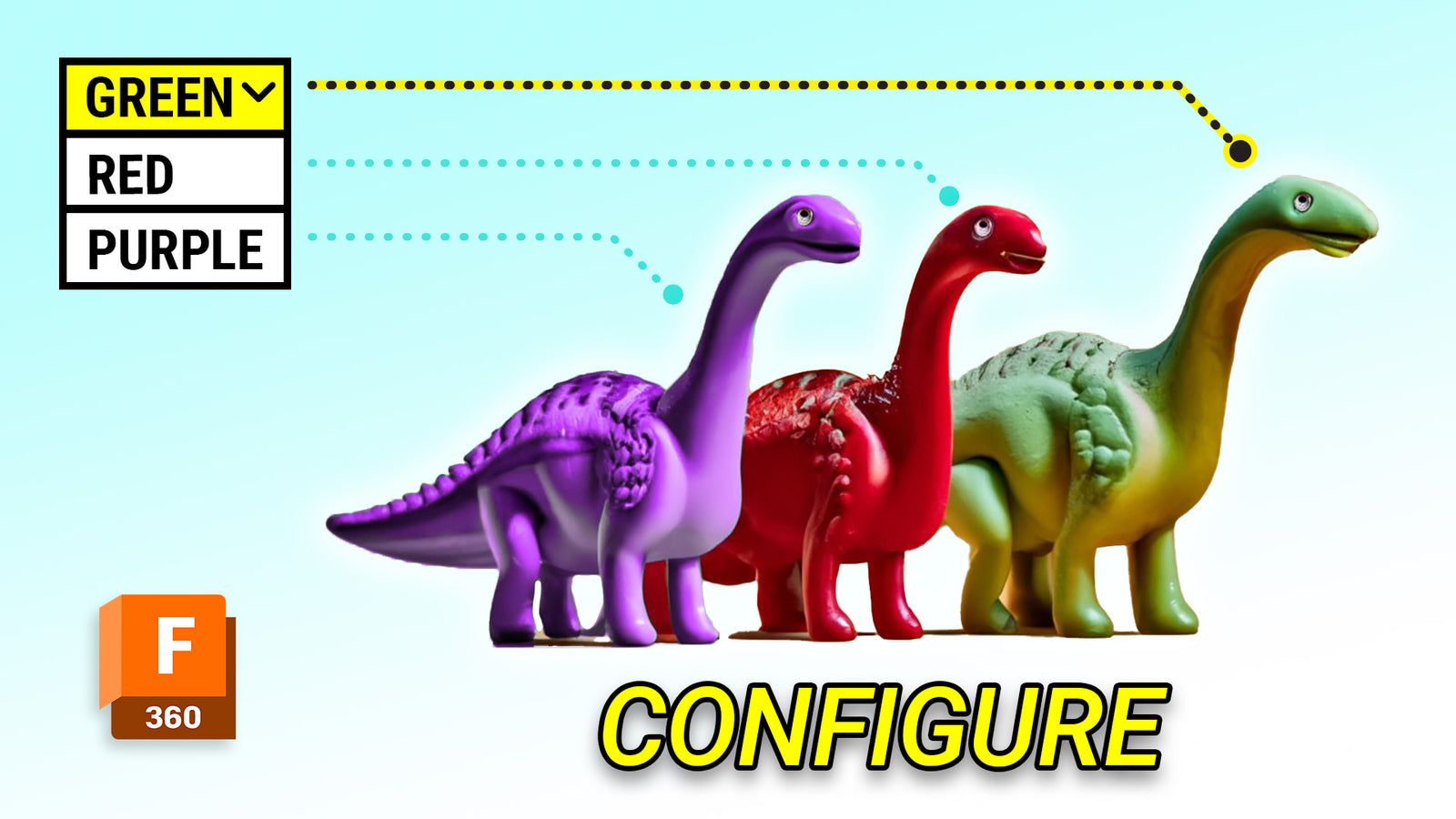

It's Fusion release day and we've got something big today – Configurations is the biggest feature to come to Fusion since it's inception.
So what can you do with it?
Configurations lets you save the state of your model so you can bookmark what's valuable and come back to it easily with a little drop down menu.
Who Can Use It?
Configurations can be used by all but hobbyist users. Get a license with our discount.
A Few Uses
- Quickly choose between designs
- Saved Global File and derive a product family from
- Configure your machining fixturing - more on that later. Get the parametric vise below.
- Many more options
See our Gridfinity Files
Watch the Video

Portland CNC
Learn the Basics of CNC & CAM
A practical beginner course covering CNC basics, tooling, and Fusion 360 CAM.
View the course
Get the Parametric Configured Lang Vise Download.
This is the vise shown in the Configurations video above.
We also have a separate video on Setting up Parametric Configured CNC Vise in Fusion 360.
Support our content. Pick a way to support PDX CNC.
Support us












Leave a comment