




Set Z0 on your CNC Router with a 1-2-3 Block
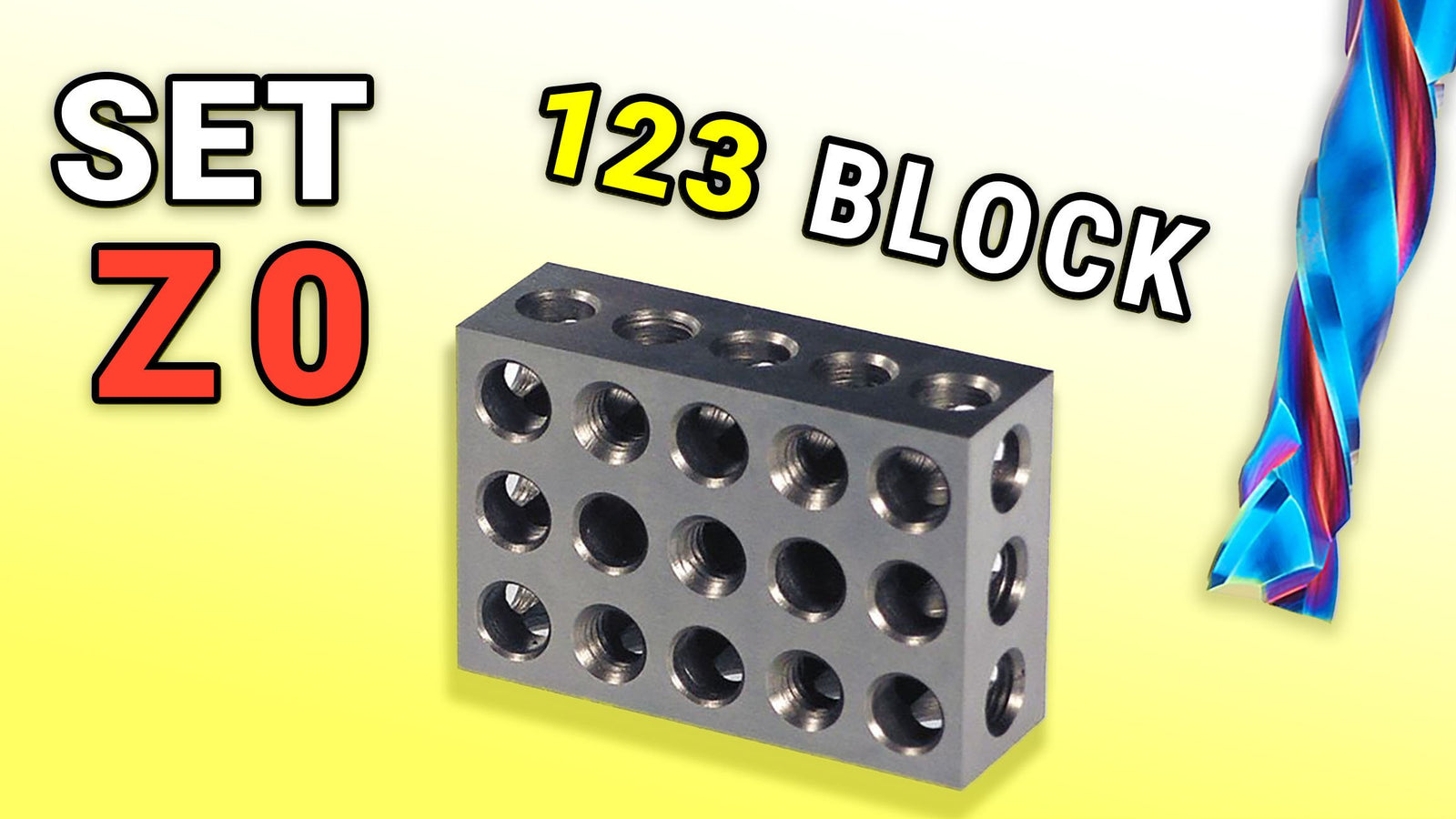
Wanting to learn a fast way to set Z0 on on your CNC Machine? Use a 1-2-3 Block. We’ll go through it in this article.
How to Set Z0 with a 1-2-3 Block
A quick way to set your Z0 (or material height) is to use a 1-2-3 block. If you are new to them, a 1-2-3 block is 1-inch thick by 2-inches tall and 3-inches wide. Typically, they are precision ground and reliably sized.

-
We use the 2-inch side to most commonly to set set on our desired Z0 plane.
-
Use a previously tool-heightened tool in the spindle to touch off the top of the block.
-
A good way to do this is to drop the tool just below the block and move the Z-axis UP by tenths then thousandths until the block just clears then and go back one.
-
Once you’ve hit your mark, you can set your actual Z height to 2-inches above the current location by typing: G92 Z2
We sell these 1-2-3 Blocks.
See the video below 👇

Portland CNC
Learn the Basics of CNC & CAM
A practical beginner course covering CNC basics, tooling, and Fusion 360 CAM.
View the courseSupport our content. Pick a way to support PDX CNC.
Support us

DO US A FAVOR — SUBSCRIBE TO OUR YOUTUBE?
Click to subscribe ⤴













Leave a comment