



Adjustable Belt Grinder Fusion 360 File
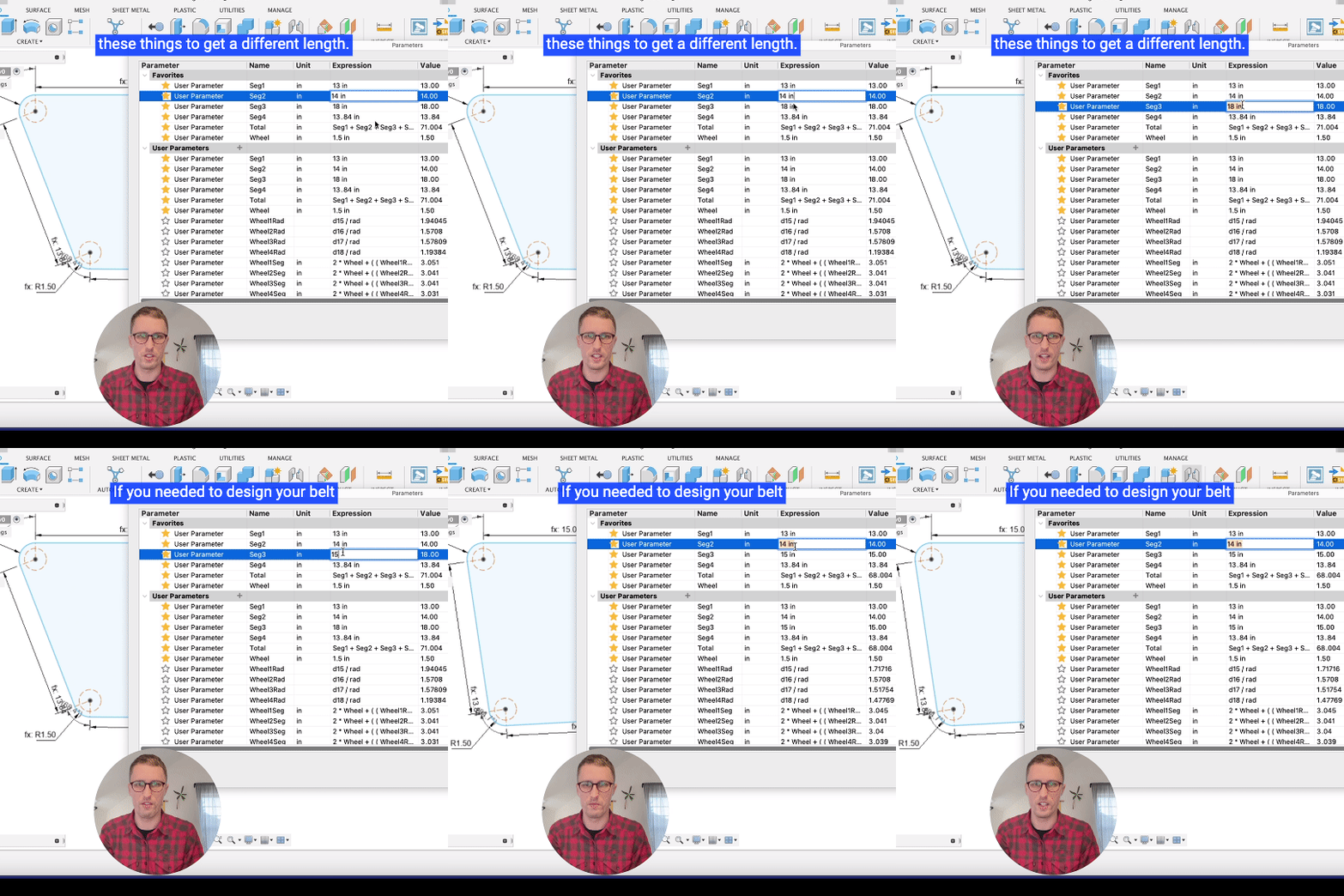
Need a customizable belt grinder design for your shop? We built a parametric Fusion 360 generator so you can dial in belt length, frame dimensions, and wheel placement — then export geometry ready to fabricate.
The file is free to download. Watch the walkthrough below, grab the .f3d, and adjust the parameters for your own build.
See the video or jump straight to the download.


Portland CNC
Learn the Basics of CNC & CAM
A practical beginner course covering CNC basics, tooling, and Fusion 360 CAM.
View the courseFusion 360 .f3d file — opens directly in Fusion 360.
What you get
- Parametric belt length and tracking adjustment
- Frame dimensions you can change inside Fusion 360
- Geometry ready to export for fabrication or CAM
- Free download — no signup required
How to use it
- Download the .f3d file and open it in Fusion 360.
- Edit the user parameters for your belt size and frame layout.
- Export drawings, meshes, or CAM setups for your grinder build.
Shop setup essentials: 1-2-3 Blocks
While you're building shop fixtures, don't overlook the basics on your bench. Our precision 1-2-3 blocks measure 1" × 2" × 3" and are ground for reliable layout, squaring, and CNC touch-offs.
See our Z0 setup guide or pick up 1-2-3 Blocks for your shop.













Leave a comment