




ShopSabre CNC Router Tips and Hacks
We have a 2017 ShopSabre PRO 408. Over the years we've picked up a handful of changes that make the router faster to run, safer around the operator, and easier to keep clean.
This post collects the ones we actually use: auto tool height with our G-code generator, spindle warmup and parking positions in WinCNC, operator dwells in CAM, bed fixturing, and a couple of Portland CNC upgrades for more tools and better dust collection.
None of this is official ShopSabre documentation. Your machine, control version, and shop layout may differ — compare any MAC or G-code changes to your files and test carefully before relying on them in production.

Auto Tool Height
Click to view our generator to create your ideal G-Code file. Run the file to automatically tool height the appropriate tools.
Spindle Warmup
WARNING: As with any customization to any machine, you are solely liable for any issues, damage, or warranty voiding that may arise from using our suggestions below.
Warmup Location
We adjusted where the spindle warms up so we can do some setup on the front of the machine and have the spindle be spinning safely away from the tool rack as well. The location on our 408 we like is X25Y60.
After warmup, Move to Back left
We found that the machine moving quickly to the front of the table (near the origin) felt dangerous as we are commonly setting up fixturing or a job. Instead, we have it go to the back left or X-4Y98 so it's totally out of the way and not moving at where the operator is most likely to stand.
To do this you need to edit the WARMUP.MAC file in the WinCNC folder. Make sure to do this while you are not running a job.
You should compare our code below to your file and make sure to only replace the parts you understand.
Most likely you'll need to restart WinCNC and re-home the machine before using this new code.
WARMUP.MAC
m11c9
G90
G53Z
G53X25Y60   [Moves to position for warmup]
s10000      [Spindle set to 10000]
M3          [Start Spindle]
G4X600      [Dwell for 600 seconds]
M5          [Stop Spindle]
G53X-4Y98   [Move to after warmup]
m12c9
Dwell - Make a note
Do you have important places in your operations where you need to watch for a tight tolerance or add more fixturing like screws?
You need to use a Dwell! The code, G4 will cause a ShopSabre to stop what its doing. WinCNC will show a dialogue to ask you to Push Enter to continue.
We used this for many things. Mostly for making sure the operator does something in the right order or as a reminder like, "DID YOU CHANGE THE ORIGIN FOR THIS OPERATION?"
You can hand-edit the code as needed in a text-editor but we use Fusion 360 with a pass-thru NC Program operation.
G0 Z10	[THIS MOVES UP IN Z TO 10]
G0 Y40	[MOVE MACHINE BACK TO Y40]
[ADD A NOTE TO THE OPERATOR]
G4
Modify Bed for Fixturing
We drilled and tapped our ShopSabre CNC Router frame to add more work holding options. Let's walk through how we did that.
Read the Article for drilling Feeds & Speeds
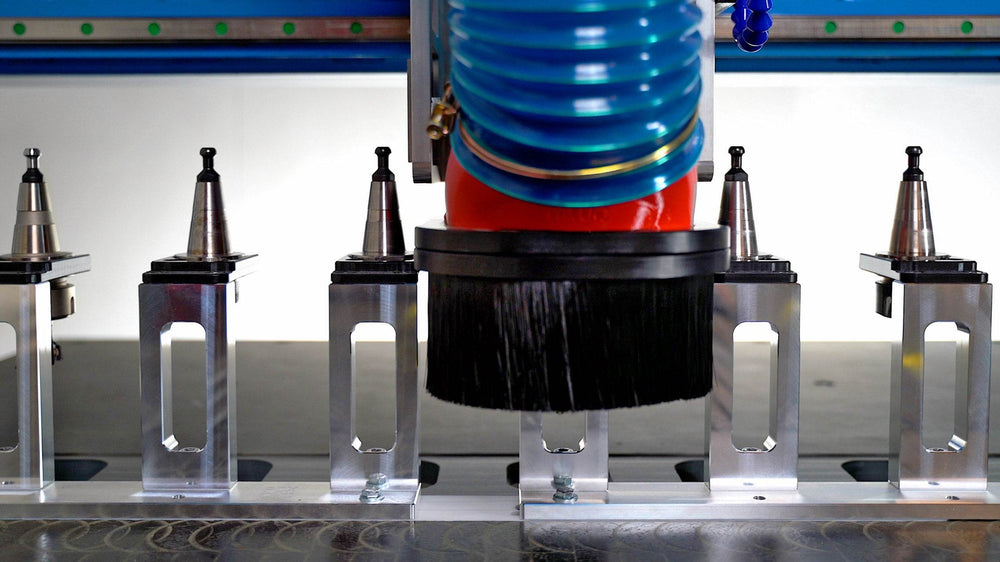
Upgrade to add more Tools
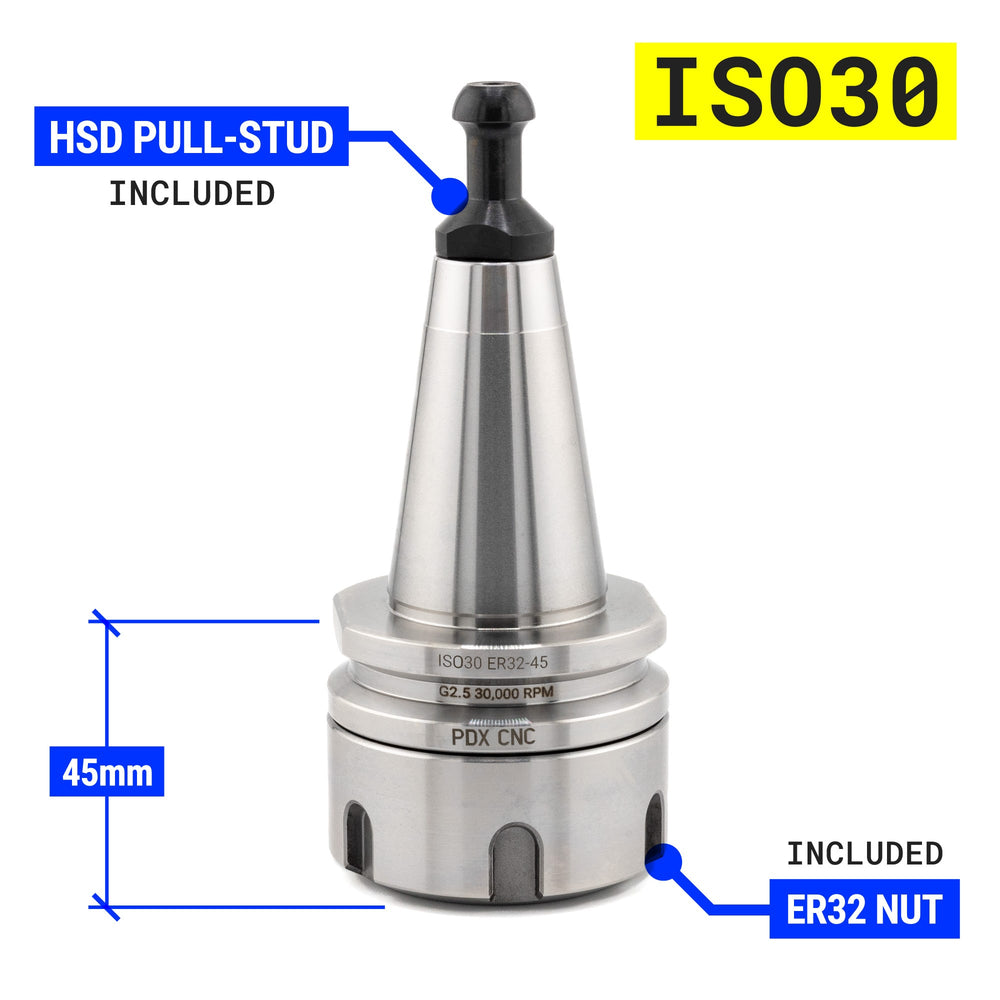
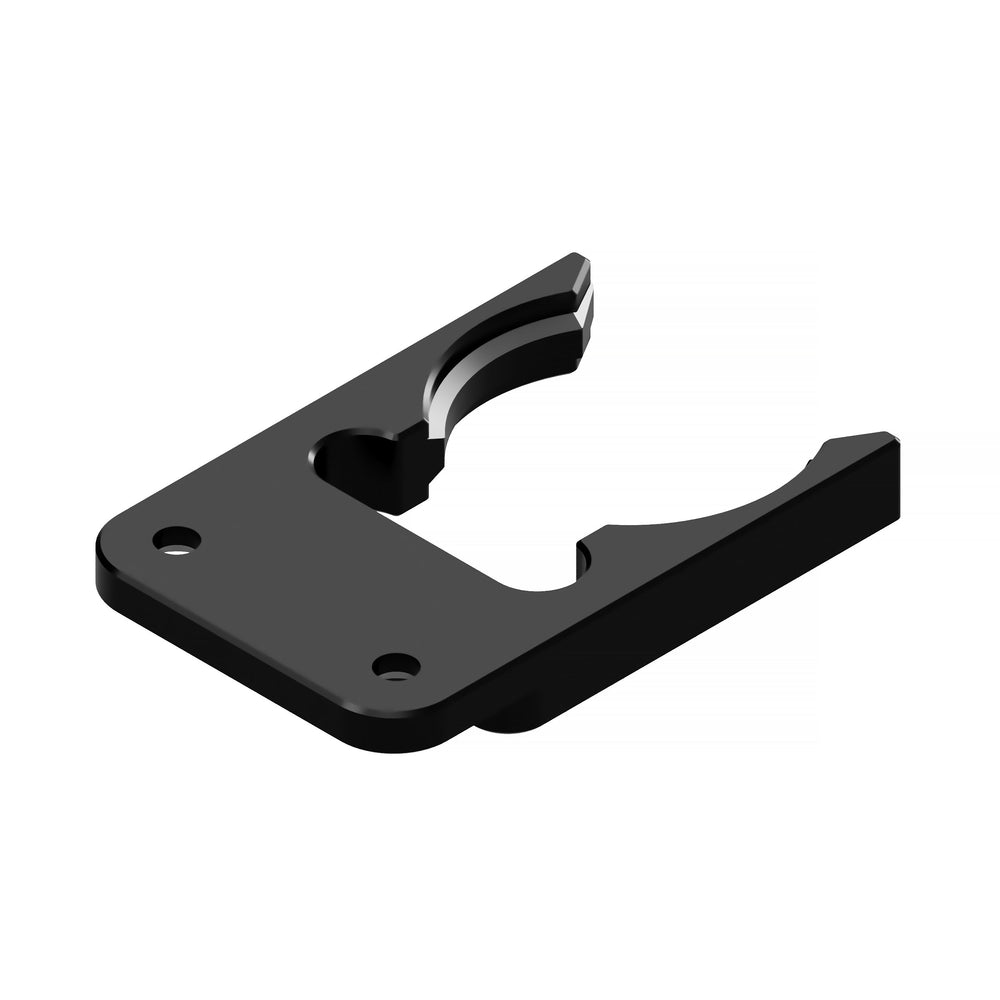
Use our Modular ATC Pedestals to upgrade your router.

ShopSabre PRO/IS Upgrade Options:
Numbers below allow for Z-Touch Probe Stand as well.


Portland CNC
Learn the Basics of CNC & CAM
A practical beginner course covering CNC basics, tooling, and Fusion 360 CAM.
View the courseSupport our content. Pick a way to support PDX CNC.
Support us














Leave a comment