



An ISO30 Tool Holder for Fusion 360

Need an ISO30 tool holder in Fusion 360 for your CNC router CAM library?
Download our free Fusion libraries below and import them in minutes. When you want the real thing on the machine, we stock ISO30 tool holders in multiple styles.
Free libraries or shop in-stock holders
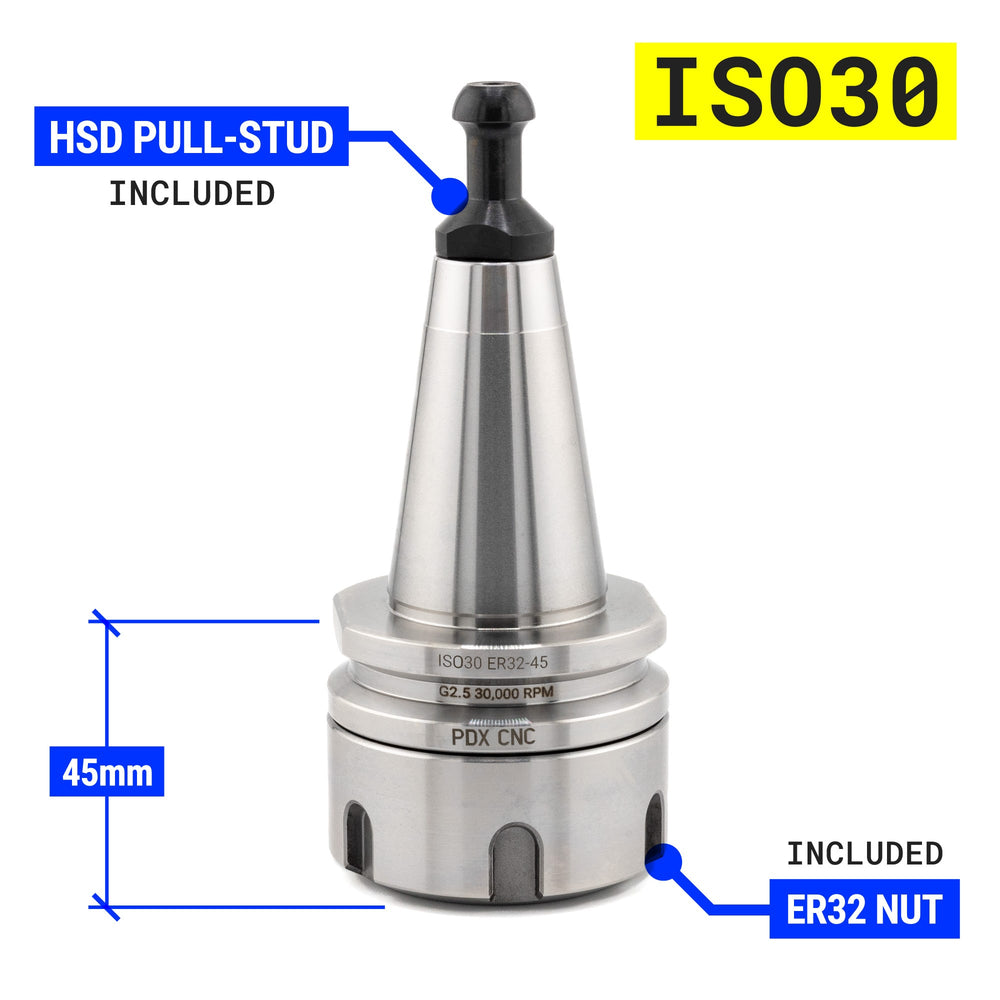
The tool holder library on our Libraries page matches our ISO30 ER32 geometry. Import it for accurate CAM simulations, then order holders ready to spin on your router.
How to Import into Fusion 360

To Use
- Open Fusion 360
- Switch to Manufacturing Workspace
- Open Tool Libraries
- Right-click, then Import Library
- Select our tool holder library from the Libraries page (download above)
- Done — pick the holder in your CAM setup
Shop ISO30 tool holders
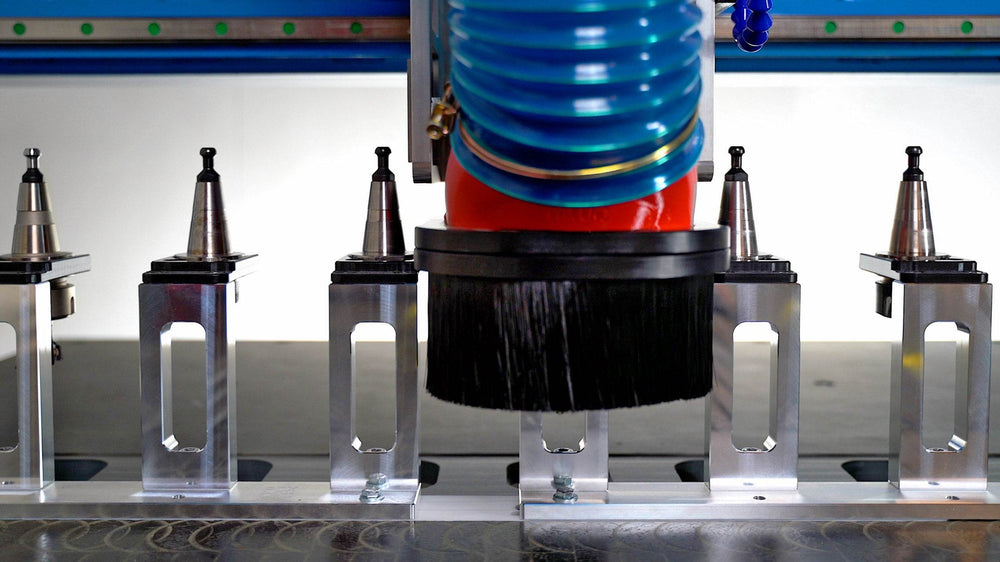
We keep ISO30 tool holders in stock for CNC routers — not just a CAD placeholder. Browse multiple styles built for real spindle tapers.
See the full ISO30 tool holder collection.














Leave a comment